Work from anywhere, your admin travels with you

Invoices, payments and clients in one account - wherever you are.

How it works

1
Set up your account
Choose your country, tax details and language.
2
Connect payments
Turn on card, PayPal or bank transfer.
3
Work from anywhere
Issue invoices, reply to clients and manage tasks from your phone or laptop.

What you get

Invoices in several currencies

Issue an invoice in your client's currency; the payment QR code is available for invoices in euros.

Card, PayPal or EPC QR

The client chooses what suits them - also abroad.

Website on your own domain

A website with a secure certificate on your own domain (from the Explorer plan).

App on your phone

Install it as an app (PWA) and get reminders with a Done button.

Automations

Connect Make, n8n or Zapier and hand off the repetitive work.

Eventure Drive

Store files for clients and share them by link with a password and expiry date.

Inside the app

See inside the app

This is what working in Coventure looks like.
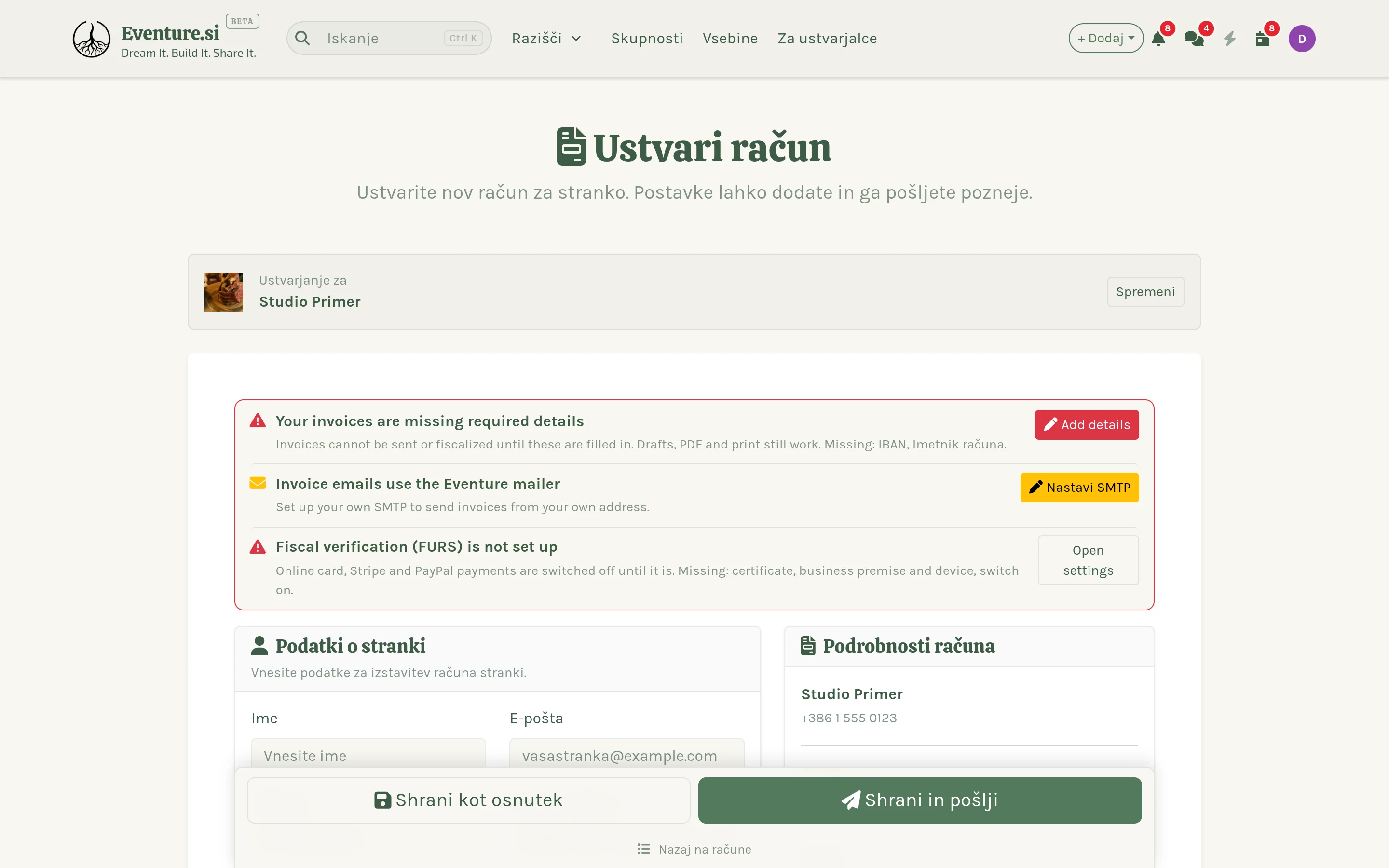
A new invoice

A new invoice

Client, items and numbering.
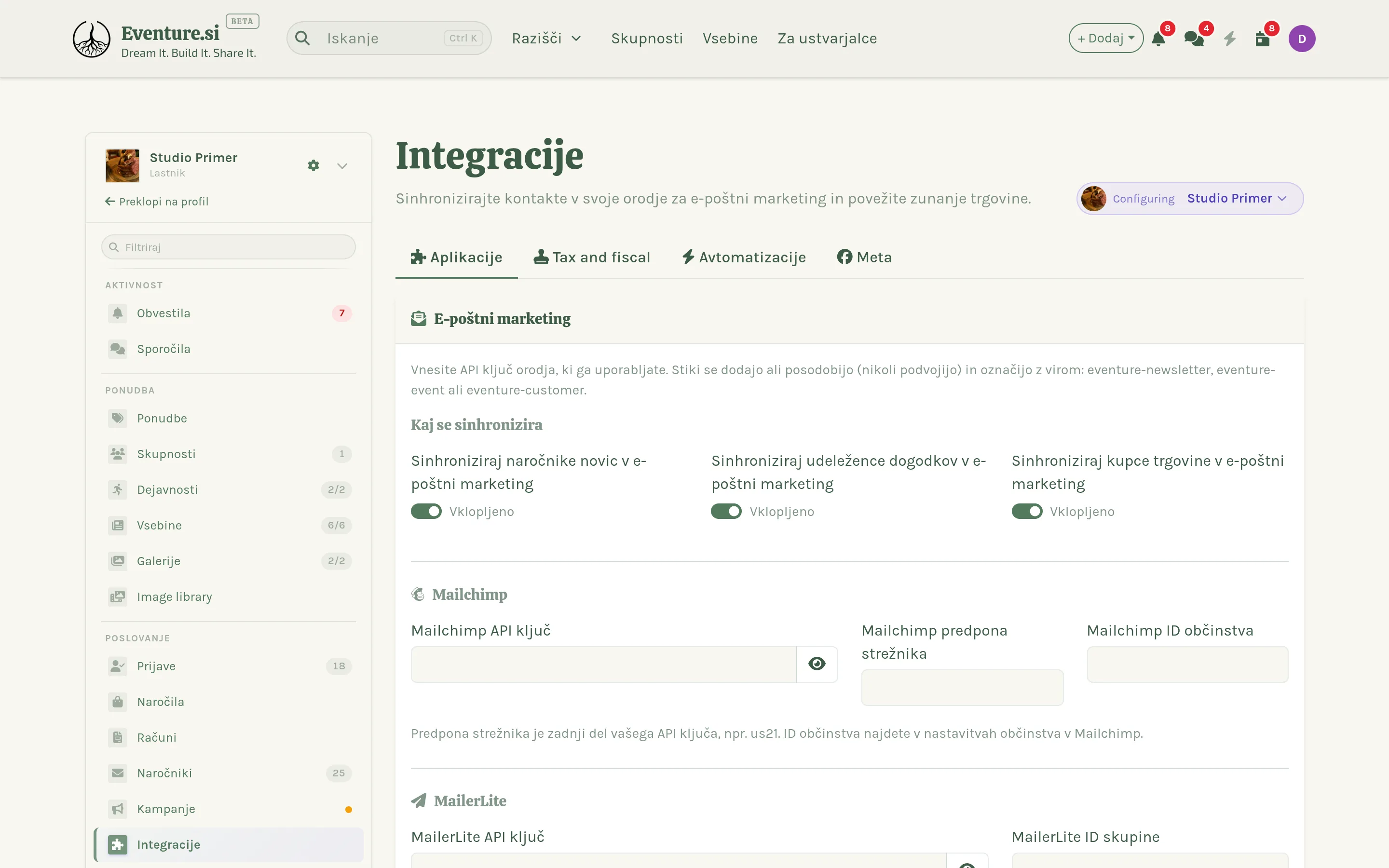
Payment connections

Payment connections

Card, PayPal and transfer.
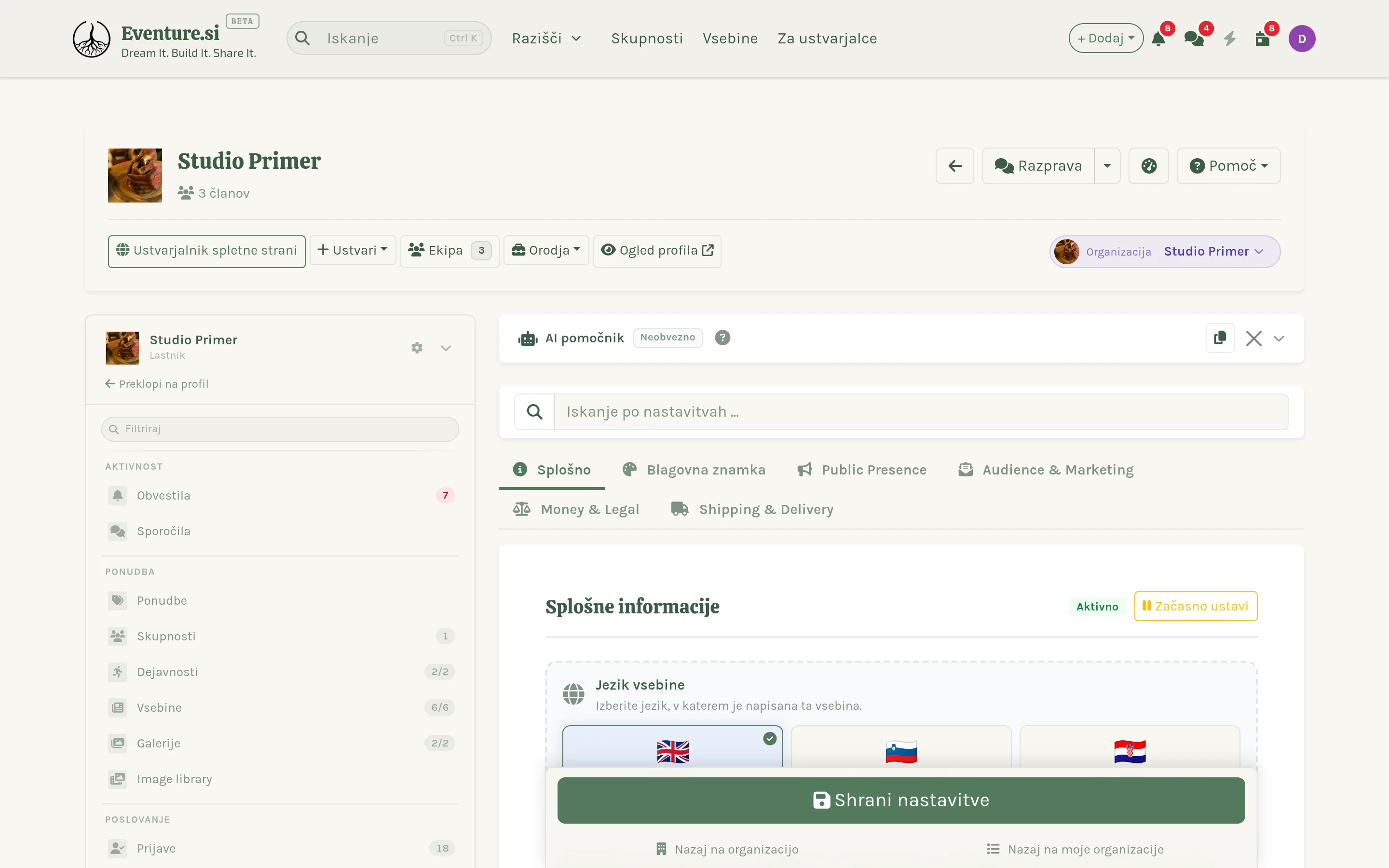
Organisation settings

Organisation settings

Country, tax details and language.

Frequently asked questions

Invoices and payments work everywhere, while some features (such as fiscalization) are tied to Slovenia or Croatia. See the International page for details.

You can issue invoices in several currencies; the payment QR code is available for euro invoices.

Yes, from the Explorer plan. The secure certificate is set up automatically.

You start free, and paid plans start at EUR 11 per month.

Work from anywhere

Create an account and start today.